Laptop buying guide: find the laptop that fits your life
Do not buy the fastest laptop. Buy the laptop whose tradeoffs match your life. A laptop is carried, charged, typed on, and stared at every single day. Every decision you make at purchase time shapes how the machine fits your routine: the chip, the keyboard, the port count, the screen. The right laptop is not the one with the biggest number on the box. It is the one whose compromises you knowingly accept. Browse hundreds of professionally tested refurbished laptops on refurbed with a minimum 12-month warranty and a 30-day money-back trial.
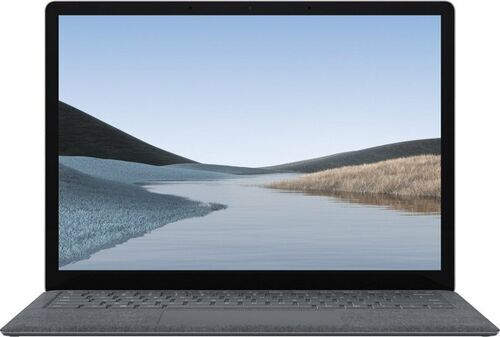
A laptop is a compromise you carry with you, daily
A desktop is a house. A laptop is an apartment with a strict landlord. The CPU and GPU are usually fixed. RAM is often soldered to the board. Ports are whatever the manufacturer decided. Unlike a desktop, upgrading after purchase is limited or impossible. What you choose at the checkout is, in most cases, what you live with for years.
A laptop is a backpack with a brain. A 13-inch ultraportable is a slim daypack you barely notice. A gaming laptop is a hiking pack loaded with tools: powerful, heavy, and worth carrying only if you genuinely need what is inside. Weight is the spec your shoulder reviews every single morning.
Every gain has a cost. More power means more heat. Thinness means less cooling and fewer ports. OLED means a shorter battery run. Gaming performance means the laptop lives near a socket. None of these is a flaw. They are the physics of a sealed machine. Understanding them is the first step to buying well.
What kind of laptop user are you?
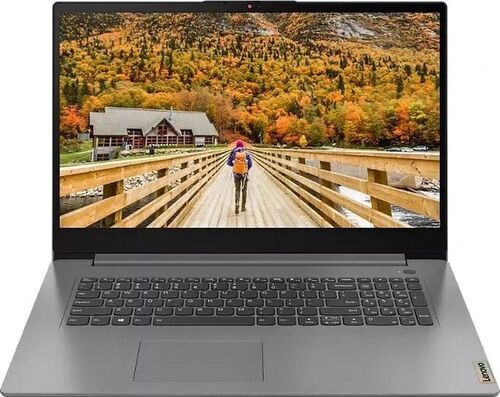
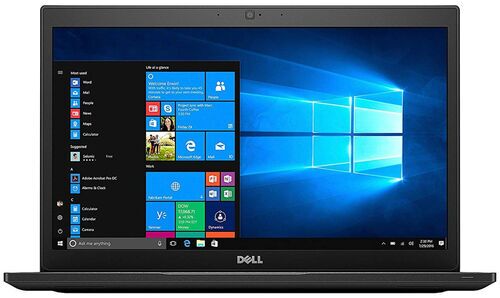
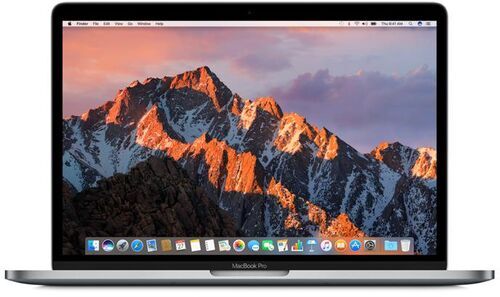
The engine room: CPU, GPU, RAM, and storage explained
Most buyers walk into a store, see the word i7, and feel reassured. This is how the overpayers club recruits. The tier number is the marketing. The suffix is the truth. Four components inside a laptop define what it can actually do.
CPU — the brain and the cook. H means the chip runs at full power: a kitchen cook on a gas burner, fast and sustained. U means efficiency first, the same cook on an induction plate tuned for quiet and economy. An i7-U will lose to an i5-H on video export, compilation, and any sustained workload. For AI use: ChatGPT, Gemini, and Claude run entirely on the provider's servers. The CPU's job for AI is the same as for everything else: handle the browser, keep tabs responsive, stay fast.
GPU — the visual engine, and the wattage nobody mentions. Two laptops can carry the same GPU model name and deliver completely different performance. One runs at 80 W; the other at 150 W. TGP (total graphics power in watts) is buried in the full spec sheet, never in the headline. Check it before you buy. The GPU matters for games, video export acceleration, and local AI image generation. Browse gaming laptops.
RAM — your desk space, and the decision you cannot undo. RAM is not speed; it is the size of the surface you work on. Every open tab, running app, and background process takes a slice of it. When the desk is full, the laptop starts shuffling things to storage and everything slows. 16 GB is the practical floor for real multitasking. 32 GB is where developers and heavy AI-tool users live. Soldered RAM is a permanent decision. If the spec sheet says soldered, what you see is what you get forever.
Storage — the closet, and the upgrade that changes everything. An SSD does not just store files faster; it changes the feel of the entire machine. Boot in seconds, not minutes. Apps open immediately. A spinning hard drive is the single most impactful thing to replace in an older laptop. 512 GB is the sensible floor; 1 TB is better once games, photos, or video projects arrive. A spare M.2 slot is a future room you have not paid for yet.
The specs you touch: display, keyboard, battery, and ports
Beginners obsess over CPU and GPU numbers. The lived experience of a laptop, however, is its display, keyboard, battery, and ports. These are the specs you remember. They are also the ones most buyers regret.
The display — the stage where the laptop happens. Every word you read, every video you watch, every photo you edit takes place on that rectangle of glass. A bad display makes good specs look tired. Budget buyers consistently name the screen as the first thing they regret: too dim outdoors, colour-inaccurate for photo work, or too glossy in a bright room. OLED is vivid and beautiful, but it drains the battery faster. Creators buy the screen twice: once in money, once in accuracy.
The keyboard — the steering wheel you negotiate with all day. No benchmark tells you how the keys feel after three hours of writing, whether the arrow keys are too small, or whether the trackpad rejects your palm reliably. Read the keyboard and thermals sections in real reviews. The spec sheet never mentions key travel. You do not type on the processor.
Battery — the lunchbox you carry everywhere. Battery life is freedom from outlet hunting. ARM laptops (Apple MacBooks and Snapdragon Windows machines) maintain full performance when the charger is not connected. Intel and AMD laptops lose 25 to 50 per cent of their performance unplugged. A portable laptop with bad battery is a desktop with travel anxiety.
Ports — the Swiss Army Knife you forgot to pack. Every missing port becomes a dongle, a habit, or a regret. Count what you actually plug in before you count the cores: monitor, SD card, phone, drive, projector. USB-C is a shape, not a specification: some ports charge only; some support 4K display output; others do not. One USB-C port is not a workstation; it is a negotiation.
The laptop triangle: power, portability, and battery
Choosing a laptop is like choosing shoes for your digital life. You do not pick shoes only by asking which pair has the strongest sole. You ask where you will walk, how far, in what weather, how much you carry, and whether they still feel right after a year.
Every laptop sits inside a triangle of Power, Portability, and Battery. Moving toward any corner costs you something at the other two. This is not a flaw; it is the physics of the form factor. There is no laptop that is simultaneously the most powerful, the lightest, and has the best battery life. Understanding the triangle means you stop looking for a laptop that has everything and start choosing the corner your life actually lives in.
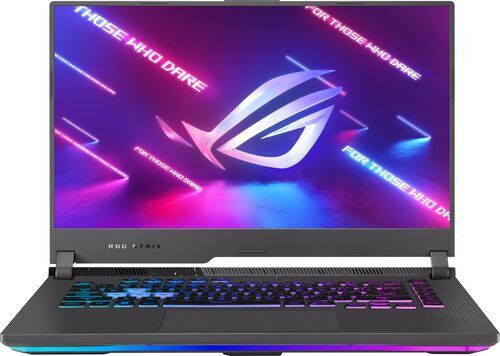
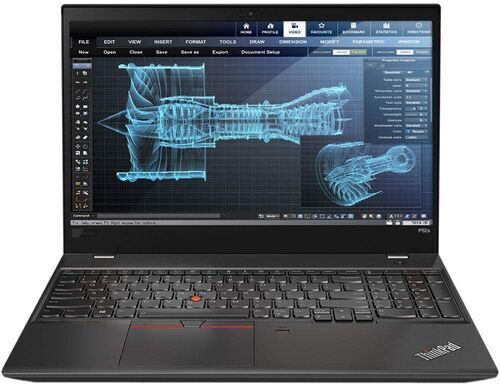
Three corner portraits: A gaming laptop sits deep in the Power corner: GPU headroom, fast display, loud fans, real weight, and a short leash from the wall. An ultraportable like the MacBook Air lives in the Portability-Battery corner: all-day charge, barely there in the bag, limited sustained peak performance. A mobile workstation trades battery for maximum power with the option to move.
Two questions place you on the triangle. What is the heaviest task you do every regular week? That sets your hardware floor. What annoys you most about your current laptop? That tells you which direction to move. Buy for your Tuesday afternoon, not your imaginary someday. Specs are the materials. Your life is the walk.
Shop refurbished laptops by brand

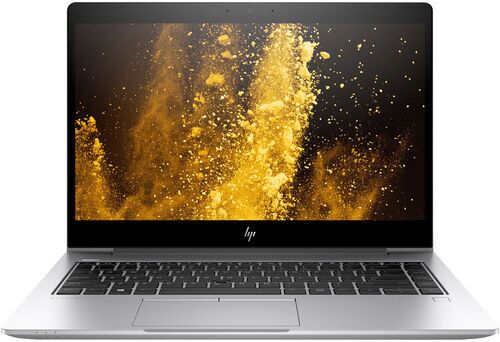
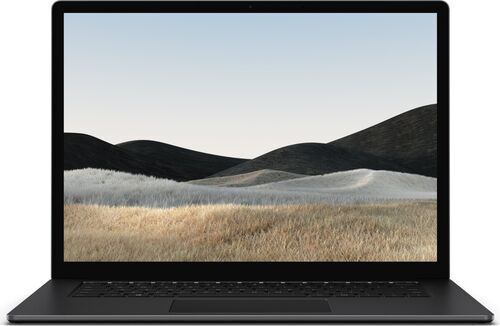
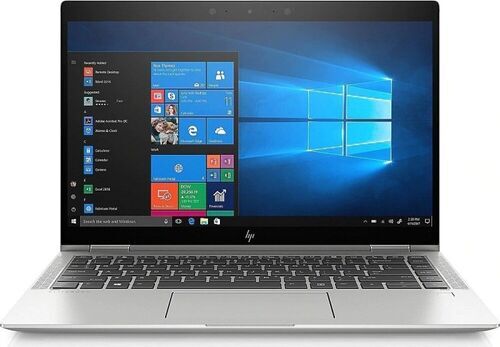
Five laptop buying mistakes — and some AI misunderstandings
1. Buying the thinnest laptop because it looks premium. Thin is beautiful until it steals cooling, ports, and battery. A thin chassis has less room for heat pipes and fans. Under sustained load it throttles, reducing the CPU and GPU to a pace the cooling can manage rather than the pace you paid for. A slightly thicker machine is often a meaningfully faster one.
2. Trusting the CPU tier name over the suffix. Most buyers see i7 and feel reassured. An i7-U is built for battery efficiency; it loses to an i5-H on any demanding task. The suffix (H = full performance; U = battery-first) matters more than the tier number. This is the single most common spec trap.
3. Buying 8 GB soldered RAM to save money today. Soldered 8 GB is a locked door in a growing house. Twenty browser tabs, a video call, and a few productivity apps will push 8 GB to its limit. If the RAM is soldered, there is no upgrade path. The saving today becomes a performance ceiling forever.
4. Ignoring GPU wattage in gaming laptops. Two laptops carrying the same GPU model name can deliver completely different performance. One runs at 80 W; the other at 150 W. TGP (total graphics power in watts) is buried in the full spec sheet, not the headline. Check wattage alongside the model name before buying.
5. Assuming all USB-C ports are the same. USB-C is a connector shape, not a specification. Some ports charge only. Some support 4K display output; others do not. Some run data at USB 2.0 speeds. Verify what each port actually does before committing.
And about AI and LLM models...
• Thinking an NPU badge means better AI performance for the tools you actually use. The NPU is a narrow specialist: it handles background blur, real-time transcription, and on-device wake-word detection. For ChatGPT, Claude, Gemini, and every other major AI assistant, the model runs entirely on the provider's servers. Your laptop is a browser and a connection. The NPU is not involved. The NPU is the quiet intern, not the whole company.
• Believing a more powerful laptop will let you run the big AI models locally. This is the most misunderstood point in current AI marketing. GPT-4 class, Claude-class, and Gemini-class models require data centre GPU infrastructure that costs tens of thousands of euros. No consumer laptop can host them, not even the most expensive one available today. Local AI on a laptop means small, specialised open-source models: Llama 3 8B, Mistral 7B, Phi-3. These are useful for specific tasks, but they are a different category from the frontier models. For the overwhelming majority of AI users, the laptop's job is to route requests efficiently: open the browser, keep the tabs alive, send the request, receive the answer. A good display, a stable connection, and 16 GB of RAM matter far more than any AI chip badge. AI branding is the seasoning; your workflow is the meal.
Buying a refurbished laptop: what to look for
Buying a refurbished laptop means choosing a patient, not just a product. To make a good choice, you need to know the anatomy. Five things to check before clicking buy.
Socketed or soldered RAM? Socketed RAM can be upgraded later: an 8 GB machine becomes 16 GB cheaply. Soldered is fixed forever. This one check determines whether the laptop can grow with you.
SSD or HDD? An SSD transforms a laptop entirely. Faster boot, faster app loading, faster everything. If the listing shows a spinning hard drive, factor in the swap cost or look for a machine that already has an SSD.
CPU generation and suffix. How old is the chip, and what suffix does it carry? Avoid more than four to five generations back. H-class outperforms U-class for demanding tasks. Lenovo ThinkPads are a reliable choice: well-built, widely available, and known for modular repairability.
Battery health. Battery wear is the most important signal in a refurbished laptop. On most Windows machines the battery is replaceable. Ask or verify the condition before buying.
Modular design. Business-class laptops like Dell Latitude and Lenovo ThinkPad put USB ports and sub-components on daughter-boards: a broken port is a repair at around €30, not a €500 motherboard replacement. The more modular the design, the longer the real lifespan. A three to five year old business laptop with a RAM upgrade and SSD swap can outperform a new budget machine.
AI laptops: what actually matters beyond the marketing
Every laptop brand has overdone the AI marketing. Set the badges aside and focus on what the hardware actually determines.
For cloud AI tools (ChatGPT, Claude, Gemini, Perplexity, Copilot): the model runs on the provider's servers. Your laptop is the interface. What matters is enough RAM to keep multiple browser tabs alive (16 GB), a stable connection, and a display bright enough to read comfortably. Any modern laptop handles this. No special chip required.
For small local open-source models (Llama 3, Mistral, Phi-3): these run on your machine and the hardware requirements are specific. Most open-source models are available in quantized versions (4-bit), which compress the weights and dramatically reduce memory requirements. In quantized form, models up to roughly 40 billion parameters become runnable on consumer hardware: a 7B–8B model fits in 6–8 GB of GPU VRAM; a 13B model needs 10–12 GB; a quantized 70B model needs approximately 35–40 GB of RAM. Beyond that threshold, consumer hardware runs out of headroom even with quantization. 16 GB system RAM is the minimum; 32 GB is better for anything beyond the smallest models. A fast NVMe SSD is essential for loading model weights (files range from 4 GB to 70 GB). This is a specialist workflow; most users never need it.
The practical conclusion: a refurbished laptop with 32 GB of RAM and a fast SSD outperforms a thin new machine with 16 GB and an NPU badge for any real local AI task. For cloud AI, the infrastructure you need is already in the browser. Browse all refurbished laptops.
Why choose a refurbished laptop from refurbed?
Every laptop on refurbed is professionally tested and graded before it reaches you: battery, screen, keyboard, and all ports are checked, and worn components are replaced when needed. Every purchase includes a minimum 12-month warranty and a 30-day money-back trial. If the laptop is not the right fit, return it. Choosing a refurbished laptop also means a meaningfully lower environmental footprint: approximately 70 kg less CO2 and around 100,000 fewer litres of water compared to manufacturing a new device.
Find your refurbished laptop today
Hundreds of professionally tested refurbished laptops across every brand, budget, and use case. Full warranty, 30-day trial, and no compromise on quality. Buy for your life, not your spec sheet.

Sign up for our newsletter for the first time and save €15!
Never miss an offer again.
Information about the use of personal data can be found in our Privacy policy.
Get the refurbed app
For iOS and Android


Confirm sign-up
Click the link in our confirmation e-mail to receive your voucher. It will be applicable to purchases from €200.
- © Refurbed Marketplace GmbH
- Accessibility
- T&C
- Privacy Policy
- Imprint
- Legal Notices
- European Data Act
- Cookie Policy