Find a refurbished laptop according to your needs and budget
Start with laptops that fit how you’ll use one, your budget or your system. Pick a card, and it opens the listing with the filters already set.

Shop by use

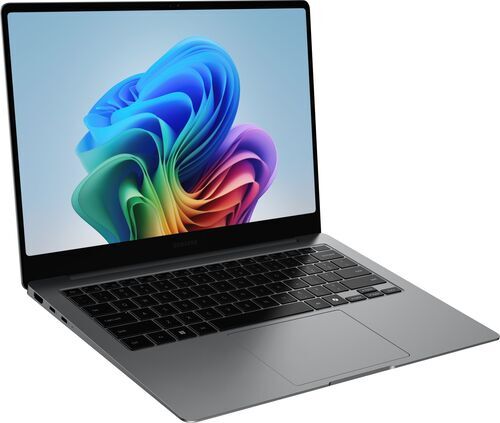
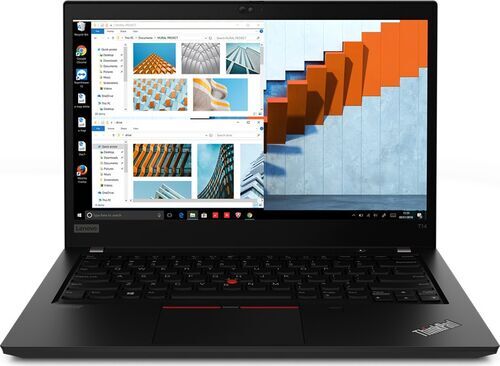

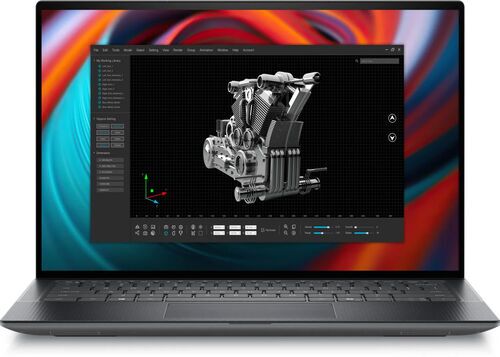
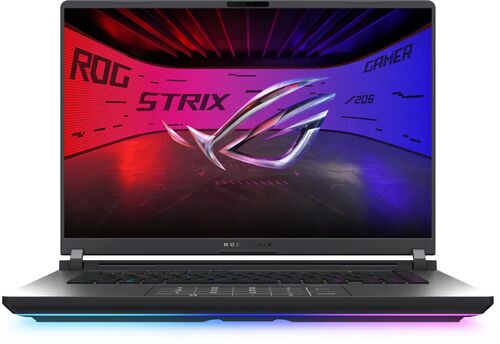
What each job needs
Each use card filters the listing by the specs below.
Everyday use: For browsing, documents and calls, 8 GB of memory does the job.
Studying: 8 GB of memory covers most coursework. Updates, apps and files can fill a 256 GB drive, so the card filters for 512 GB of storage. It also filters for a 13 to 14 inch screen because a laptop that size is easy to carry.
Engineering studies: 16 GB of memory handles coding, documents, a browser and light CAD. The card also filters for 512 GB of storage.
Office and hybrid work: 16 GB of memory, because twenty browser tabs, a video call and a few productivity apps push 8 GB to its limit. A 13 to 14 inch screen is easy to carry between home and office.
Photo and video editing: 16 GB of memory is a practical start, and 32 GB suits several editing applications at once. Previews, caches and scratch files crowd a 256 GB drive, so the card filters for 512 GB of storage and a screen of 14 inches or more.
Gaming: 16 GB of memory fits a game, voice chat and a browser, and the card adds 8 or more processor cores and a screen of 15 inches or more. The listing has no graphics filter, so check which graphics card each offer lists.

Shop by budget
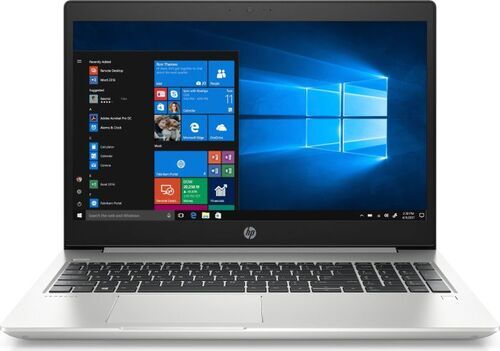
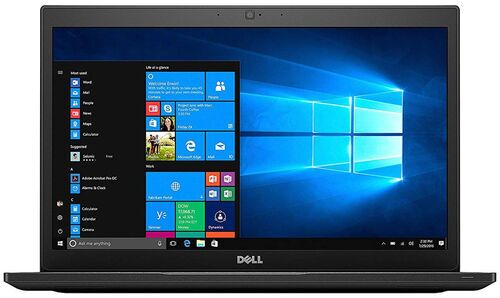
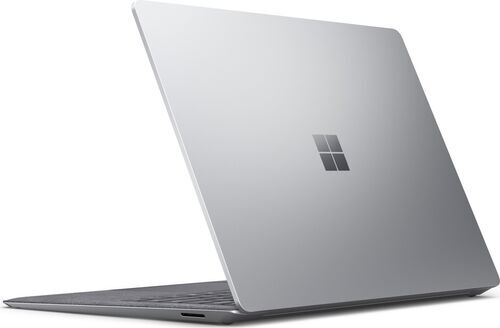
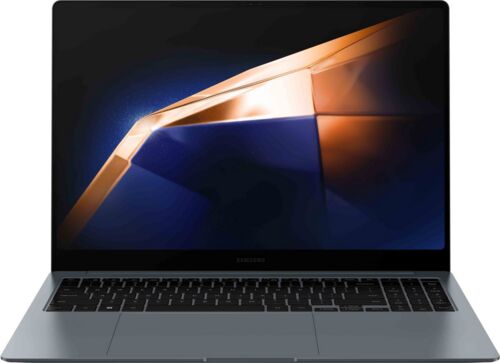
Shop by system

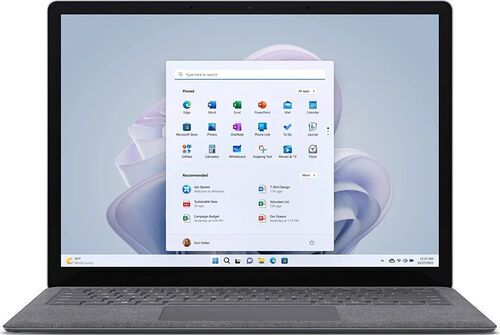
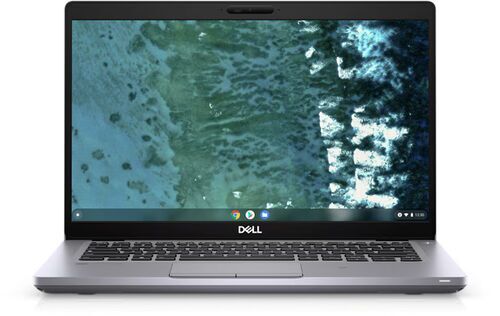
Two checks on any refurbished laptop
Two details vary from offer to offer and are easy to miss:
- Keyboard layout: Each offer lists its keyboard layout. You can filter the listing by layouts from many countries, so choose the one you type on.
- Age: A laptop released more recently usually has more years of system updates ahead. You can filter the listing by year of release. If you’re considering a Windows laptop, the Windows updates guide explains how long it keeps getting updates.

Refurbished laptop FAQs
Will 8 GB of memory be enough for what I do?
Yes, for browsing, documents, calls and most coursework. Twenty browser tabs, a video call and a few productivity apps push 8 GB to its limit, so choose 16 GB for office work, engineering studies, editing or gaming.
Will 256 GB of storage do, or should I choose 512 GB?
Choose 512 GB if you can. A 256 GB drive may feel roomy in the first year, but updates, apps and files pile up, and editing projects crowd it faster. If you keep most of your files online, 256 GB can work.
Should I choose Windows, ChromeOS or macOS?
Choose the system your programs run on. Windows suits programs written for Windows, while ChromeOS suits work done in the browser and web apps. macOS runs on MacBooks, which have their own category. Check that the programs you rely on support the system you pick.
Find your next laptop
Now that you know what each use needs, open the listing that matches yours and compare the models it shows.
Sellers give devices a second life on refurbed, where shoppers find them. In 2022, the marketplace won the TRIGOS award for responsible business in the Social Innovation & Future Challenges category.
Every laptop comes with at least 12 months of warranty and a 30-day return window. Start with the laptops that fit your use, budget or system.


Sign up for our newsletter for the first time and save €15!
Never miss an offer again.
Information about the use of personal data can be found in our Privacy policy.
Get the refurbed app
For iOS and Android


Confirm sign-up
Click the link in our confirmation e-mail to receive your voucher. It will be applicable to purchases from €200.
- © Refurbed Marketplace GmbH
- Accessibility
- T&C
- Privacy Policy
- Imprint
- Legal Notices
- European Data Act
- Cookie Policy